The Frankenstein Method: How Smart Creators Are Stitching Clipart and Hand-Drawn Touches Into Something That Looks Custom-Made
Here's a dirty little truth about the design world: most of those "custom" illustrations you admire on Instagram? They started with a clipart file. The creator just got weird with it.
Call it the Frankenstein Method. You take a polished clipart element — a clean floral, a bold geometric shape, a retro character — and you start layering. A scrawly hand-drawn border here. A smudgy pencil texture there. Maybe a handwritten annotation in the margin that looks like it came straight out of a sketchbook. By the time you're done, nobody in their right mind would guess you started with a $3 asset from a clipart library. It just looks like you paid someone $800 to make it.
And the creators who've mastered this? They're not sharing the recipe freely. Until now.
Why the Hybrid Approach Works So Well
There's a psychological reason this technique hits different. Perfectly polished design has a certain coldness to it — it signals corporate, template, mass-produced. But the moment you introduce imperfection — a wobbly line, an ink bleed, a texture that looks like paper grain — your brain reads it as human. As intentional. As made by someone who actually cared.
Designers call this the "handmade heuristic," and brands have been exploiting it for years. Think about every artisan coffee shop logo, every indie record label aesthetic, every Etsy shop that charges a premium because the packaging looks like it was sketched in someone's journal. That imperfection is the product.
The genius of the hybrid method is that you get to shortcut the hardest part — the underlying illustration — with quality clipart, then inject the personality yourself. You're not faking skill. You're layering it.
The Creators Who Figured This Out First
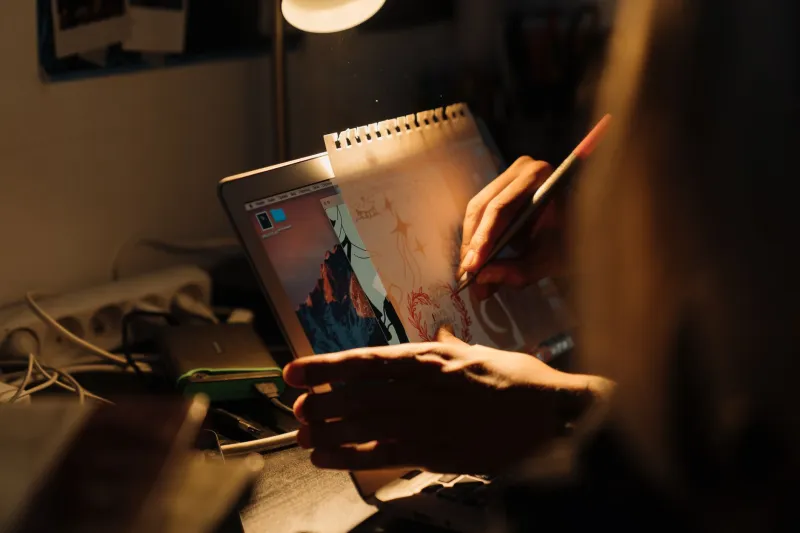
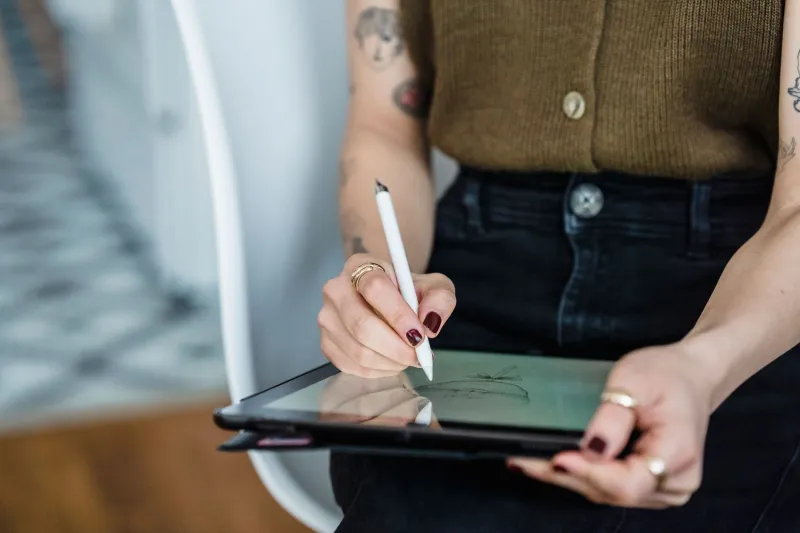
Marcela, a content strategist based in Austin who runs a lifestyle and wellness brand, stumbled onto this approach almost by accident. "I bought a set of botanical clipart because I needed something fast for a client pitch," she says. "I dropped it into Procreate and just started doodling over it — little arrows, some crosshatching, a few scribbled words. My client thought I'd hired an illustrator. I did not correct them."
She's since built her entire visual brand around what she calls "organized mess" — clipart as the skeleton, hand-drawn elements as the skin. Her content consistently outperforms cleaner, more polished work she posts. "People DM me asking who does my illustrations," she laughs. "The answer is me, my iPad, and a really good clipart subscription."
Dave, a freelance graphic designer in Chicago who works primarily with small food and beverage brands, has a more systematic approach. He keeps a personal library of hand-drawn textures — ink splatters, pencil crosshatch fills, rough-edged frames — that he's built up over two years. "I drop these over clipart elements like a filter," he explains. "It takes maybe ten extra minutes, but it changes everything about how the final piece reads. Suddenly it's not clip art. It's artwork."
The Toolkit That Makes It Happen
You don't need an expensive setup to pull this off. Here's what the creators we talked to actually use:
Procreate (iPad): This is the workhorse for most hybrid designers. The ability to work in layers means you can keep your clipart base clean while experimenting with hand-drawn overlays on separate layers. If something looks bad, you delete the layer. Nothing's permanent.
Adobe Fresco: For creators already in the Adobe ecosystem, Fresco pairs beautifully with Illustrator assets. Its live brushes mimic real ink and watercolor in a way that plays nicely against crisp vector clipart.
Texture packs and brush sets: Sites like Creative Market and Design Cuts have entire libraries of paper grain textures, ink wash overlays, and rough-edge brushes specifically designed for this kind of layering work. A good texture pack runs $10–25 and you'll use it a thousand times.
Canva Pro (for the non-tech crowd): Don't sleep on this one. Canva's transparency and layering tools have gotten genuinely good, and you can import PNG clipart, stack it with hand-drawn PNG overlays, and get surprisingly sophisticated results without ever touching a "real" design tool.
The Techniques That Separate Intentional From Sloppy
Here's where most people mess up: they add hand-drawn elements randomly and it just looks unfinished. The difference between "intentionally rough" and "accidentally bad" comes down to a few principles.
Commit to a consistent hand. If your overlays look like three different people drew them, the illusion breaks. Pick one brush style — say, a thin scratchy pen — and use it throughout. Consistency signals control, even when the marks themselves are imperfect.
Use the clipart as an anchor, not a background. The clipart element should feel like the centerpiece. Your hand-drawn additions should respond to it — framing it, annotating it, texturing it — not compete with it for attention.
Embrace negative space. Resist the urge to fill everything. A single bold clipart graphic with a few sparse hand-drawn marks around it reads as sophisticated. Covering every inch in doodles reads as chaotic.
Color discipline matters. The fastest way to make a hybrid design look cheap is to let the colors fight each other. Pull your hand-drawn element colors directly from the clipart palette. Everything stays in the same family, and the mashup feels designed rather than assembled.
Where to Start Your Clipart Hunt
The foundation of this whole technique is starting with quality clipart. Blurry, low-resolution, or poorly constructed base assets will show through no matter how much you layer on top. Look for vector formats (SVG, EPS, or AI files) when possible — they scale cleanly and give you more flexibility to isolate individual elements.
At ClipArt Brat, we stock assets specifically with this kind of creative remixing in mind. Bold lines, clean construction, and enough visual personality that they hold up even when you start getting weird with them. Because the best clipart isn't just a starting point — it's a collaborator.
The Bottom Line
The creators killing it right now aren't necessarily the ones with the most technical skill or the biggest design budgets. They're the ones who figured out how to make tools work together in ways that feel authentic. Clipart plus hand-drawn imperfection is one of the smartest combinations in that toolkit — fast, affordable, and when executed well, genuinely indistinguishable from bespoke custom work.
So next time someone asks who made your illustrations, just smile. You don't have to tell them everything.